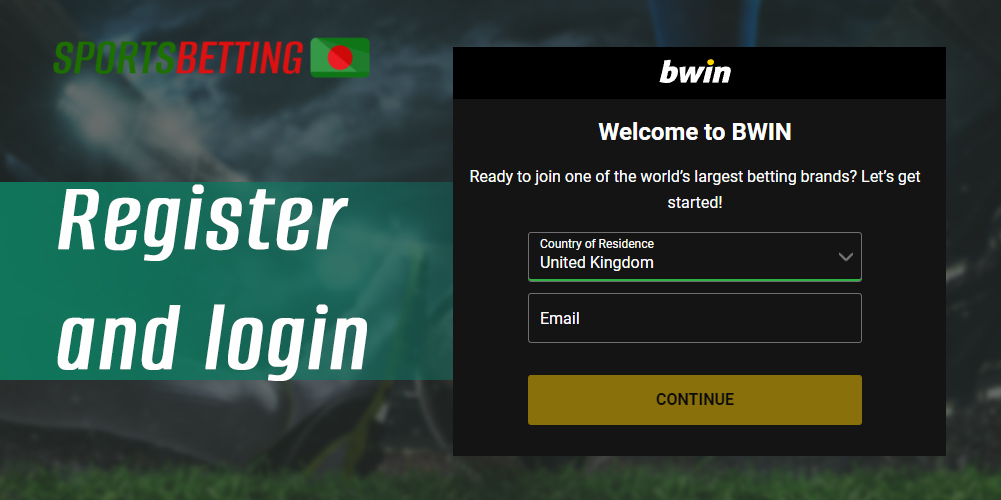
casino bwin provides UK players a rapid way to create and safeguard an account. The Google Sign In option accelerates things for anyone who already uses a Google account. This guide covers each stage of registration, verification and login so you know what documents to get ready, how long each step requires and what to do if something goes wrong. The focus is on the practical details you will come across on the Bwin Casino site when you establish an account or sign back in later.
Security Measures That Safeguard Your Account
Bwin Casino saves passwords and authentication tokens in encrypted form and tracks login attempts for unusual patterns such as rapid location changes or multiple failed codes. If the system spots suspicious activity, it automatically triggers an email and an in-account alert prompting you to confirm recent logins. You can review and terminate active sessions from the “Security” page, which shows device type, approximate location and time of each login.
In addition to 2FA, the operator offers optional withdrawal PINs and deposit limits that you can set immediately after verification. These limits are stored separately from the login credentials, so even if someone gains access to your account they cannot change your financial settings without the withdrawal PIN. Regular review of these controls, combined with the Google Sign In and 2FA combination, offers UK players a layered defence that fulfills both operator standards and personal security preferences.
Account Recovery When You Don’t Using Google
Certain users opt to set up a dedicated Bwin Casino password rather than using only Google Sign In. In case you forget that password, the reset procedure starts on the login page by selecting “Forgot password?”. You type in the email address linked to the account, get a reset link good for two hours, and follow the instructions to establish a new password that meets the site’s complexity rules: at least eight characters, one uppercase letter, one number and one symbol.
After the password is updated, the system forces a full login using the new credentials. If you also have 2FA enabled, you must supply the current authenticator code before access is granted. Should you no longer control the original email address, Bwin Casino’s support team will request that you verify identity through the same document upload process utilized for account verification before they manually reset the account.
Confirming You Are Eligible Before You Start
Ahead of you tap the Google Sign In option, verify that you satisfy the legal conditions for gambling in the United Kingdom. You need to be at least 18 years old, and you need to be physically present in Great Britain when you create an account and when you gamble. Bwin Casino applies geolocation checks on every login, so seeking to open an account from Northern Ireland, the Channel Islands or outside the UK will be blocked even if you have a valid UK passport.
Another eligibility aspect is whether you already have a self-exclusion registered through GamStop. If your details show up on the national self-exclusion system, Bwin Casino will deny the registration regardless of the sign-in option you pick. Check your status on the GamStop site first; doing so prevents the letdown of going through the Google step only to be told the account cannot be set up.
Typical Login Problems and Their Solutions
Often encountered is the “location not authorised” message that is displayed when the geolocation check fails. This typically occurs when a VPN is active or when your internet service provider routes traffic through another country. Deactivate any VPN, refresh the page and try again. If the problem persists on mobile data, switch to a stable home Wi-Fi connection; mobile networks sometimes use gateways located outside the UK.
Another common error occurs when Google’s session has expired or when you have recently changed your Google password. In these cases the site returns a “Google authentication failed” notice. The remedy is to sign out of Google in your browser, sign back in, then attempt the Bwin Casino login again. Clearing the browser cache or trying an incognito window often resolves token conflicts that prevent the Google button from completing the handshake.
Device-related troubleshooting steps
Desktop browser solutions
If the Google Sign In pop-up is blocked by your browser, look for a small icon in the address bar that indicates a blocked window and choose “Always allow pop-ups from bwincasinos.eu”. After adjusting the setting, reload the registration page and try the Google button once more. In case the issue remains, try a different browser; Chrome generally handles Google authentication more smoothly than other browsers because it shares the same underlying identity service.
Mobile browsers and applications
On Android devices the Google Sign In flow often hands over to the Google Play Services layer, which can produce an “account already exists” message if you previously registered with the same email through the standard form. In that situation, choose the option to merge accounts rather than creating a duplicate. On iOS, if you receive a “Safari cannot open the page” error, ensure that iCloud Keychain is enabled and that you have allowed cross-site tracking in the device settings; these two options are required for the secure redirect back to the Bwin Casino site.
How Google Sign In Matters for UK Players
Google Sign In allows you to create or access a Bwin Casino account with the identical credentials you already use for Gmail or YouTube. The main benefit is speed. Instead of entering an email address, picking a password and re-entering it, you click one button and the site gets the verified email address automatically. For players who want convenience without losing security, this option eliminates the friction of keeping track of another set of login details while still satisfying the UK Gambling Commission’s age and identity rules.
The feature also reduces typing errors that can freeze new accounts during the first login. Because Google already completed its own identity checks when you created your email account, Bwin Casino obtains a trustworthy signal that the email address is valid and belongs to an adult. That does not replace Bwin’s own verification steps, but it does shorten the initial data entry and reduces the chance that a mistyped email address will result in later problems.
Verification Process: Documents Needed
UK licence conditions require every operator to authenticate the identity of new customers within 72 hours of the first deposit or before any withdrawal, whichever occurs first. Bwin Casino therefore requires you to upload three documents: a government-issued photo ID, a recent proof of address and, if you deposited by credit or debit card, a photograph of that card with the middle eight digits hidden.
Accepted photo IDs comprise a valid UK driving licence, a UK passport or a biometric residence permit. The proof of address can be a utility bill, council tax statement or bank statement dated within the last three months and showing your full name and current address. All documents must be in colour, clearly legible and saved as JPG, PNG or PDF files smaller than 5 MB each. If the name on your Google account differs from the name on your ID, you will also need to supply a marriage certificate or deed poll document to explain the discrepancy.
Verification duration
Most UK players get confirmation within four to six hours when documents are submitted during normal business hours. If you upload files late in the evening or at weekends, the review may be completed the next working day. You will receive an email and an in-account notification once verification is approved or if further information is required. Should a document be rejected, the notification explains the exact reason, such as glare on the photo or an expired date, so you can correct and resubmit without delay.
Accessing on Later Visits
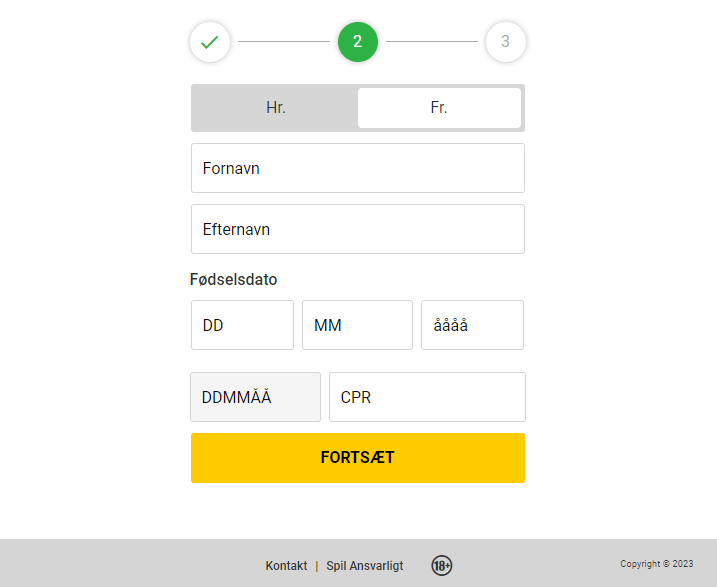
After the initial registration, visiting Bwin Casino is easy. Tap the “Log in” button, pick the Google Sign In option again and approve the account you want to use. The site confirms that your session is still valid with Google and that no security flags have been activated, then grants immediate access. If you prefer not to stay logged in on a shared computer, deselect the “Remember me” box before you finalize the Google step.
Should you ever sign out manually or clear your browser cookies, the identical Google button continues to be available on the login page. You do not require to re-enter a password set up for Bwin Casino because the authentication goes on to use Google’s token. This maintains the process steady across desktop browsers, the mobile site and the downloadable app.
The Specific Steps to Register Using Google Sign In
Go to the Bwin Casino homepage and locate the “Join now” or “Sign up” button, usually situated in the top right corner. After you click it, the registration panel presents two alternatives: the standard form or the Google Sign In button, which carries the well-known Google “G” logo. Choose the Google option and a new browser window shows up requesting which Google account you want to use. Choose the account, examine the data Bwin Casino will get (name, email address and profile picture), then click “Allow”.
Once permission is given, the window shuts and the Bwin Casino site reloads with the email address field already completed. You are then prompted to select your desired currency, type in a username if you want one distinct from your email address, and acknowledge that you are over 18. A final tick-box states that you have reviewed the terms and privacy policy. After you send this short form, an account is created right away and you are signed in for the first time.
Picking a username that complies with Bwin Casino rules
Although Google Sign In supplies your email address without manual entry, you still must have a username that adheres to Bwin Casino’s naming policy. The name must be between six and twenty characters, can contain letters, numbers and underscores, and cannot contain any real-world personal information such as your date of birth or postcode. If the name you select is already occupied, the system suggests three choices; you can select one or keep attempting until you locate an available option.
Configuring Two-Factor Authentication Upon Registration
While Google Sign In currently provides a level of safeguarding, Bwin Casino recommends activating its personal two-factor authentication (2FA) for all account. You can activate 2FA in the “Security” area of your profile by capturing a QR code with an authenticator app including Google Authenticator or Authy. After activated, each login attempt will ask for a six-digit code that rotates all thirty seconds, even if the login attempt is made through the Google button.
The extra step is highly helpful if you use a device with family members or if you access public Wi-Fi. In case you forget access to your authenticator app, Bwin Casino permits you to obtain a set of one-time backup codes throughout the initial 2FA setup; store or store these codes offline so you can recover entry if your phone is stolen or damaged. visit here